The Best AI Prompts for Executives: 15 You'll Actually Use
Most 'AI prompt' roundups were written for marketers or freelancers. These 15 were built for executives who run teams, manage stakeholders, and don't have time to debug a bad output.
Most "AI prompt" roundups were written for marketers or freelancers. These 15 AI prompts for executives were built for a different context: senior professionals who run teams, manage stakeholders, and don't have time to debug a bad output. Every prompt here is paste-ready — fill in the [bracketed fields] and run it.
They're written for Claude but work with ChatGPT, Copilot, and Gemini.
What's covered: 15 prompts across four executive scenarios — meeting prep, strategic communication, decision-making, and presentations. Each prompt includes the situation it solves, a paste-ready prompt, a real output excerpt, and one line on why it works.
What's not covered: Prompts for content creation, social media, or general productivity. This list covers your actual executive work: leadership calls, board prep, stakeholder comms, and high-stakes decisions.
One amplifier before you start: Paste this at the opening of any conversation before running these prompts — it sharpens every output: "You are working with a senior executive. Your role is to challenge, clarify, and surface what's being missed — not to produce polished output for its own sake. Be direct. Never hedge when a clear answer is possible." The Role Calibration component in the Executive AI Toolkit takes this further with role-specific calibrations, but this version works with any prompt below.

The right prompt turns 10 minutes of prep into the most prepared person in the room
Scenario 1: Meeting Prep (Prompts 1–5)
The average executive spends 23 hours a week in meetings. Most of that time is recoverable. These five prompts cover the full pre-meeting stack: stakeholder intelligence, hard question prep, your opening statement, post-meeting extraction, and the one prompt you run when you have five minutes and no preparation at all.
For the full 10-minute workflow with prompts for every stage, see How to Prepare for Any Executive Meeting Using AI.
Prompt 1: Stakeholder pressure points
Situation: You're walking into a meeting with someone whose full agenda isn't visible to you.
Context: [paste any relevant background — prior exchanges, project status, recent news about their team or org, known tensions]
Give me: (1) their likely #1 priority in this meeting, (2) two things they're worried about that they probably won't raise directly, (3) the outcome they'd consider a win, and (4) one thing I should avoid doing or saying.
Why it works: It forces the AI to reason about subtext — the unstated agenda — not just the stated meeting topic.
Prompt 2: Anticipate the five hardest questions
Situation: You're presenting a recommendation and need to know where it will be attacked before you're in the room.
You are a skeptical senior leader who does not agree with this recommendation. Generate the five hardest questions you would ask — the ones that expose the weakest assumptions, the data gaps, and the political complications. For each question, give me a one-paragraph answer I can use.
Why it works: You're not asking for validation. You're stress-testing. This is preparation that actually changes what you say in the room.
Prompt 3: Draft your opening and your ask
Situation: You need a tight, confident opening that frames the room before anyone else does.
Write me two things: (1) A 3–5 sentence opening statement that frames the meeting, establishes what we're deciding, and signals I'm in control of the agenda. (2) A single, clear ask I can deliver at the end — one sentence, no hedging.
Tone: direct and senior. This is not a presentation to sit through — it's a working session they're participating in.
Why it works: An executive who walks in with their opening and their ask doesn't get ambushed by the room's agenda.
Prompt 4: Extract action items from meeting notes
Situation: You have 30 minutes of rough notes and need clean, delegatable action items before you leave the room.
Notes: [paste]
Why it works: The explicit instruction to flag gaps instead of filling them prevents the AI from inventing plausible-sounding but wrong details. That one instruction is the difference between a usable output and a liability. Note: if you're using Fireflies or Otter for your meetings, you can paste the transcript directly instead of manual notes — the prompt works on either input. (See Best AI Meeting Assistant for Executives for the full tool breakdown.)
Prompt 5: Five-minute prep when you have no time
Situation: You're walking into a meeting in five minutes with no preparation and you need to be the most prepared person in the room.
Context: [paste whatever you have — a calendar invite, a prior email, a one-line brief, anything]
Why it works: Five minutes of the right preparation beats 30 minutes of reading the wrong thing. This prompt finds the leverage point in whatever context you give it.
Want 100 prompts like these, organised by executive scenario?
The Executive AI Toolkit includes the full Prompt Library: 100 paste-ready prompts across eight categories — meetings, communication, decision-making, stakeholder management, negotiation, people leadership, personal brand, and more.
Get the Executive AI Toolkit — $67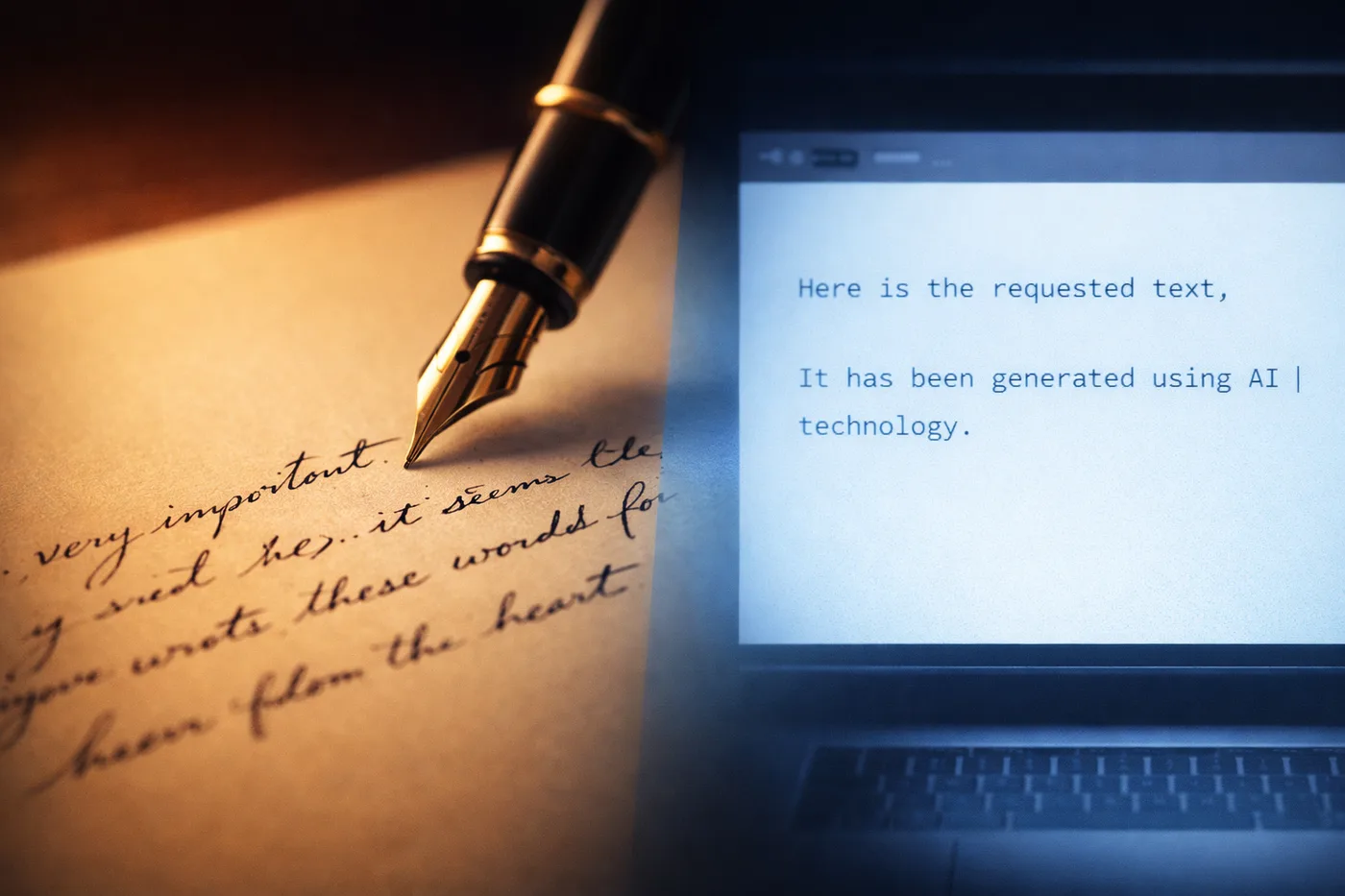
AI-generated communication should sound like you wrote it — not like a chatbot did
Scenario 2: Strategic Communication (Prompts 6–10)
These five prompts cover the communications work that eats executive time without showing up on anyone's calendar: the update with bad news embedded in it, the all-hands that sounds like it went through legal, the message you've rewritten four times and still haven't sent.
Prompt 6: Stakeholder update that leads with the situation
Situation: A project has gone sideways and you need to update leadership without burying the lead or losing the room's confidence.
Write a stakeholder update that: (1) leads with the situation and impact, not the explanation, (2) gives a clear timeline for resolution, (3) owns what's ownably ours without over-apologising, (4) ends with one specific ask — not a list of next steps. Tone: transparent and controlled. This should read like someone managing a difficult situation, not being managed by it.
Why it works: The prompt structure forces conclusion-first writing. That's what senior audiences actually want — they don't want to read to the end to find out what happened.
Prompt 7: Calibrate AI to write in your voice
Situation: AI-generated communication sounds generic. This prompt makes it sound like you.
[Paste 3 emails or messages you've written — don't edit them, use them as-is]
Now write [the message you need] in the same style. Do not make it more formal, more hedged, or longer than my examples. Match the rhythm exactly.
Real output excerpt — before/after from this prompt, using a senior director's own emails as training input:
After (calibrated to their voice): "Quick note before Thursday — the finance conversation is going to go sideways if we don't agree on our position beforehand. Can we get 20 minutes this week? I'll come to you."
Why it works: Voice calibration is a one-time setup that changes every piece of writing you produce afterward. The Role Calibration pack in the Executive AI Toolkit takes this further — role-specific system prompts for six executive archetypes, each tuned to how that role actually communicates under pressure.
Prompt 8: Message delivering a difficult decision
Situation: You need to say no, rescind a commitment, or announce something people won't like — without triggering a political incident.
Write a message that: (1) is honest about the decision without softening it into ambiguity, (2) briefly explains the reasoning without over-justifying, (3) acknowledges the impact without being patronising, (4) ends with a clear next step. No corporate language. No passive voice.
Why it works: Most executives either over-explain difficult decisions — which signals doubt — or under-explain them, which signals arrogance. This prompt finds the middle.
Prompt 9: Turn an email thread into a decision brief
Situation: A thread has been circling for days. You need to pull it into something a senior leader can act on in two minutes.
Use only what's in the thread — stated positions and facts. Do not add opinions. Flag if a clear recommendation can't be drawn from the thread as written.
Thread: [paste]
Why it works: Turns a political quagmire into a clean decision document. The instruction to flag unclear consensus prevents the AI from fabricating agreement that doesn't exist.
Prompt 10: All-hands message that doesn't sound scripted
Situation: You need to communicate something significant to your full team — without it reading like a press release.
Write a message that sounds like a senior leader talking to people they respect, not a communications department writing to a headcount.
Why it works: Describing the team as "people they respect" and explicitly naming what to avoid — rather than just saying "write naturally" — changes the register of the output. The AI stops performing communication and starts doing it.

The place where AI earns its keep isn't in writing — it's in thinking
Scenario 3: Decision-Making & Analysis (Prompts 11–13)
The place where AI earns its keep for senior professionals isn't in writing — it's in thinking. These prompts treat the AI as a thinking partner: running pre-mortems, surfacing blind spots, structuring the choices you've been carrying around in your head.
One important note before you use these: AI does not have access to your organisation's data, live financials, or current market information unless you paste it in. If a prompt produces specific numbers or contract references you didn't provide, treat them as illustrative — verify against your actual sources before acting on them. The value here is in the structure and challenge, not in AI-generated facts.
Prompt 11: Pre-mortem a major decision
Situation: You've made a tentative call and want to identify every way it could fail before you commit.
Context: [paste relevant background — team size, budget, timeline, known constraints, stakeholder dynamics]
Do not hedge. Argue that the failure was foreseeable and preventable.
Why it works: Framing the prompt as "the decision already failed" removes the AI's tendency toward balance. You're asking for attack, not analysis.
Prompt 12: Surface what you're missing
Situation: You've been close to a problem for weeks and you know you have blind spots — you just don't know which ones.
You are a smart external advisor who has not been involved in this. Your job is not to validate my thinking. Tell me: (1) the assumption I'm most confident about that is most likely to be wrong, (2) the stakeholder or perspective I've probably underweighted, (3) the question I haven't asked that I should have asked first.
Be direct. This is not a peer review — it's a challenge.
Why it works: "This is not a peer review — it's a challenge" is a permissions grant. Without it, the AI hedges. With it, it attacks. One phrase changes the entire output.
Prompt 13: Compare two options with a structured trade-off
Situation: You have two paths and need a clean framework to present the choice upward — or to make the decision yourself.
Option A: [describe in 3–5 sentences]
Option B: [describe in 3–5 sentences]
Evaluate them across: (1) speed to value, (2) risk level and type, (3) resource requirement, (4) reversibility — how hard is it to undo if we're wrong, (5) strategic fit with [your stated priority or constraint].
Give me a comparison table, then a one-paragraph recommendation with a clear rationale. If what I've given you isn't sufficient for a confident recommendation, tell me what you'd need to know before you could give one.
Why it works: The final instruction — "tell me what you'd need to know" — prevents false confidence. If your brief is thin, you find out before you act on a bad recommendation.

Get the argument right before you open the slide tool
Scenario 4: Presentations & Board Prep (Prompts 14–15)
These two prompts cover the presentation work that matters most: the narrative before the slides, and the questions you haven't prepared for.
For the full 30-minute workflow — brief to finished deck — see How to Build an Executive Presentation with AI in 30 Minutes.
Prompt 14: Build a narrative spine before you open a slide tool
Situation: You have raw material for a presentation but no structure. You need the argument sequenced before anyone sees a deck.
Here is the raw information I have: [paste bullet points, data, context — it doesn't need to be structured]
Build me a narrative spine using this structure: (1) Situation — what is true right now, (2) Complication — why the status quo is no longer acceptable, (3) Recommendation — what I'm proposing and why, (4) Risks and objections — the three strongest arguments against my recommendation and a one-line response to each, (5) The ask — what I need from this room today.
Keep each section to 2–4 sentences. This is not the deck — it's the thinking behind the deck.
Why it works: Situation-Complication-Recommendation is the structure that senior audiences can follow at speed because it answers the question they're always silently asking: "so what, and what do I need to do about it?" Getting this right before you open PowerPoint means your slides reinforce an argument instead of trying to become one.
Prompt 15: Generate the ten questions you haven't prepared for
Situation: You've prepared for the questions you expect. This prompt generates the ones you haven't thought of.
You are the most skeptical person in that room. You do not support this recommendation. Generate ten questions — the ones that expose the weakest assumptions, the political complications, and the data I haven't shown. Rank them by how dangerous they are to my position if I can't answer them well.
For the top three, give me a draft answer I can use.
Why it works: Ranking by danger forces prioritisation. The top three with draft answers means you walk in having already rehearsed the hardest questions. Even if you only prepare five of the ten, you'll be more prepared than anyone else in that room. This is the prompt that turns preparation into performance.
For a deeper board-specific prep workflow — including how to build your narrative, stress-test with AI, and prep live Q&A responses — see How to Prepare for Board Meetings with AI.
The Executive AI Toolkit includes 100 prompts in the same format — across all 8 executive categories.
This article covers four: meetings, communication, decision-making, and presentations. The full Prompt Library adds 85 more covering people management, stakeholder management, negotiation, and personal brand — each built to the same standard: paste-ready, real scenarios, output that doesn't need to be rewritten before it's used.
$67. One purchase. No subscription.
Get the Executive AI Toolkit — $67Where to Go Next
If the meeting prep prompts were useful: How to Prepare for Any Executive Meeting Using AI walks through the full 10-minute workflow — from context dump to opening statement — with prompts for every stage.
If the presentation prompts were useful: How to Build an Executive Presentation with AI in 30 Minutes covers the full process from brief to finished deck, including a worked example with a VP of Operations presenting cost reduction to a board.
If you lead a finance function: AI Prompts for CFOs: 12 for Budget, Close, and Board applies this same format to budget defence, flux commentary, board narrative, and cash — numbers you have to stand behind.
For the tools that run best with these prompts: The Executive AI Stack in 2026 — what to use, when, and in what combination.
Free guide + weekly newsletter
Get Started with AI in One Day — Free
Subscribe and get our free 15-page starter guide instantly. Then weekly AI workflows, honest tool takes, and strategies for senior professionals. No fluff. Unsubscribe any time.
Keep reading